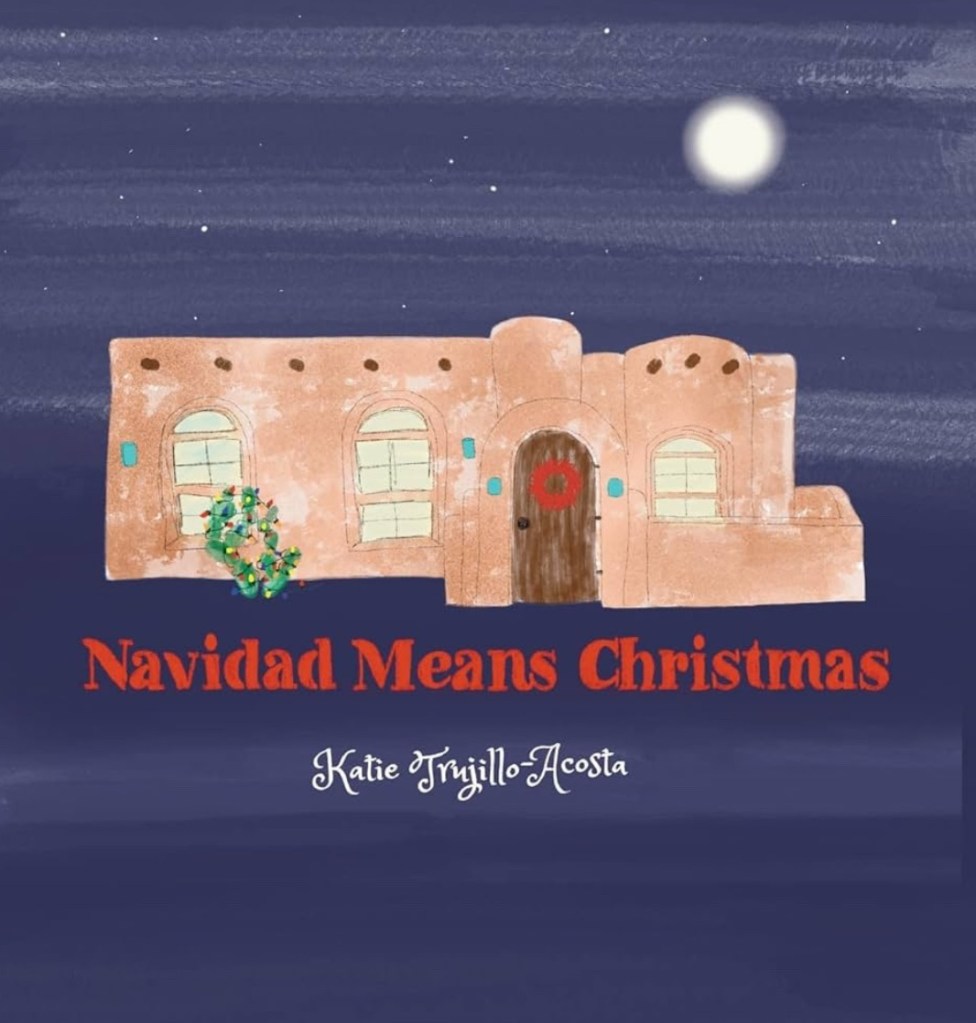
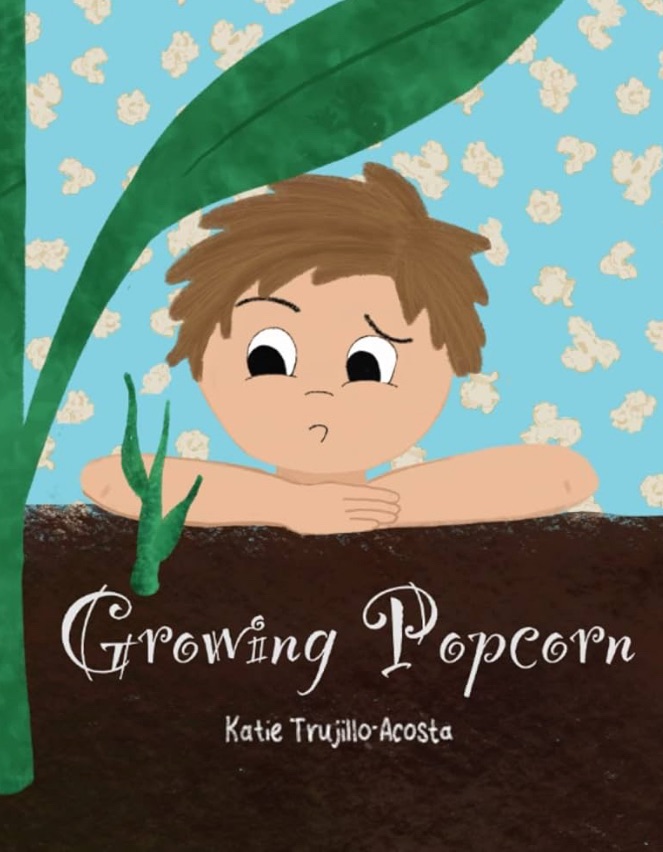
When I tell people I’ve self-published three children’s books using Amazon’s Kindle Direct Publishing (KDP), the first thing they usually say is, “Wait, you can do that yourself?” And the answer is yes, you absolutely can. I also publish mine “wide”, which just means I distribute it through other stores as well (not just Amazon). Today however, let’s just focus on KDP books.
It’s not as intimidating as it sounds, especially once you break it down into steps. In this post, I’ll walk you through how to go from a story in your head (or scribbled in a notebook) to a real-life printed book you can hold in your hands and even sell on Amazon.
Step 1: Write Your Story
Before anything else, you need your story. Whether it’s a rhyming read-aloud, an early reader, or a picture book full of whimsy, make sure it’s something you believe in. For children’s books, short and engaging is key. Think about rhythm, repetition, and how the story will pair with illustrations.
If you’re working with very young readers, aim for under 500 words. For early chapter books, you’ll go a bit longer, but keep it kid-friendly and age-appropriate.
Step 2: Illustrate (Or Find an Illustrator)
This step stops a lot of people, but don’t let it! You have options:
- Illustrate it yourself (if you’re an artist-this is what I do).
- Hire an illustrator.
- Partner with a friend who loves to draw.
- Use software or digital tools like Procreate, Canva, or Adobe Illustrator. ( I like procreate)
Just make sure your illustrations are high-resolution (400 dpi) and that you understand bleed and trim size (more on that below).
Step 3: Format Your Book
This is the part that felt most technical to me at first, but I promise it gets easier with practice.
You’ll need to:
- Choose a trim size. Common ones for picture books are 8.5” x 8.5” or 8” x 10”.
- Format your pages as single-page spreads, meaning 2 pages on one big file. If your book is 8″ by 10″, for example, your files would be 8″ by 20″ plus your bleed side. I usually do .25″ all around as a bleed.
- Save your final file as a PDF for print. KDP also requires a separate PDF cover file that includes the front, back, and spine (depending on page count).
I recommend using a free KDP cover template generator or Canva’s custom dimensions to get everything just right.
Step 4: Upload to Amazon KDP
Here’s the exciting part! Go to kdp.amazon.com and create a free account. Then follow these steps:
- Click “Create a Paperback.”
- Enter your book details: title, author name, book description, keywords, and categories.
- Upload your manuscript (the interior PDF) and cover file.
- Choose your print options (paper type, color vs. black and white, glossy or matte cover).
- Set your pricing and distribution—you can sell on Amazon.com and international marketplaces.
KDP will give you the option to order a proof copy before publishing. Always do this! It lets you see the print quality and make any needed adjustments.
Step 5: Hit Publish!
Once you approve your proof, you can publish your book with one click. Within a few days, your book will be live on Amazon. You can order author copies at cost and track sales in your KDP dashboard.
There’s nothing quite like holding a copy of your own book in your hands—or seeing your kids read it, or hearing from someone across the country who found it online.
Bonus Tips from My Experience
- ISBN: KDP provides a free ISBN, and that’s perfectly fine unless you want to publish the book elsewhere later with the same ISBN. I purchase my ISBNs so I can register my books with the Library of Congress.
- Marketing: Share your book on social media, reach out to local bookstores or libraries, or sell at markets and fairs.
- Series potential: If your book is part of a series or a recurring character (like mine are), let readers know! Series books often sell better than standalones.
- Don’t be afraid to start small: Your first book doesn’t have to be perfect. You’ll learn more with each one.
You Can Do This
Self-publishing a children’s book doesn’t require a fancy publisher or a giant marketing team. It takes creativity, patience, and a little bit of tech-savvy-and trust me, once you do it once, you’ll be hooked.
If you’ve got a story in your heart and some time to spare, this could be the year you finally make that book a reality.
If you have questions about the process or just want to chat kids’ books, I’d love to hear from you in the comments!


 Cozy and Maple
Leave a comment